Case | The case or chassis is often overlooked when buying a new computer. Below are some things to think about regarding the case.
Do you want a desktop or tower case?
Will the case fit on top of or below your desk?
Will the drives be accessible or will they be positioned the way you wish them to be positioned?
Does the case support the standards of motherboards, for example, the ATX motherboard standard? This is important if you wish to upgrade the computer in the future. |
CD media | Most newer computers today have an included disc burner in the computer. If you wish to make your own CD's or DVD's make sure the computer supports it. |
Memory | Memory is one of the more important purchasing decisions on a computer. The more memory in the computer, the more efficient the computer will run. |
Network card | Almost all computers today have a network card or network option on the motherboard. The network card is what will allow you to share files between computers in your home and connect to a broadband Internet connection. |
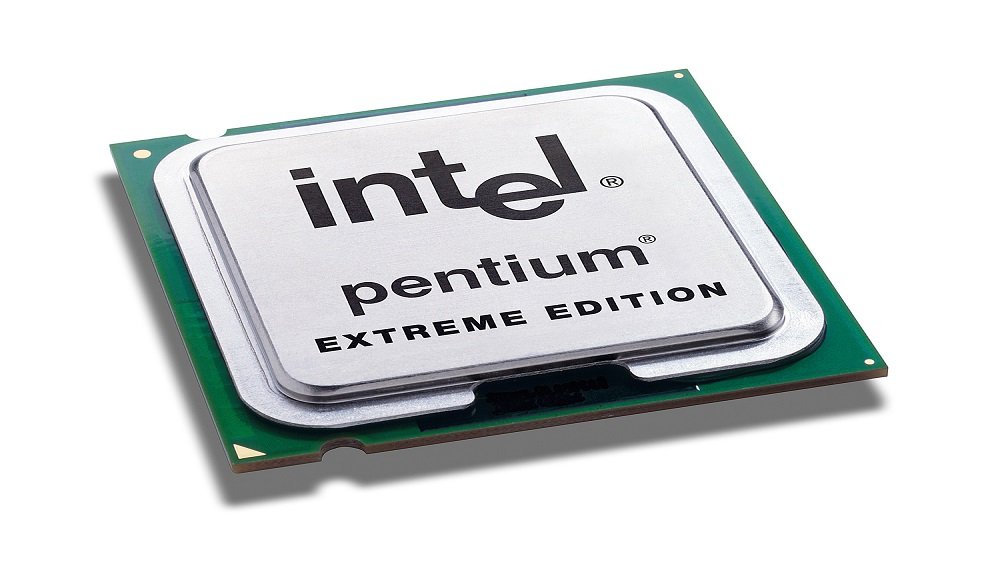
Processor | The computer processor is and will always be one of the most important considerations when purchasing a computer. Today, with multiple CPU/Processor manufacturers, it may be more confusing as well as more cost efficient to look at all options for computer processors. |
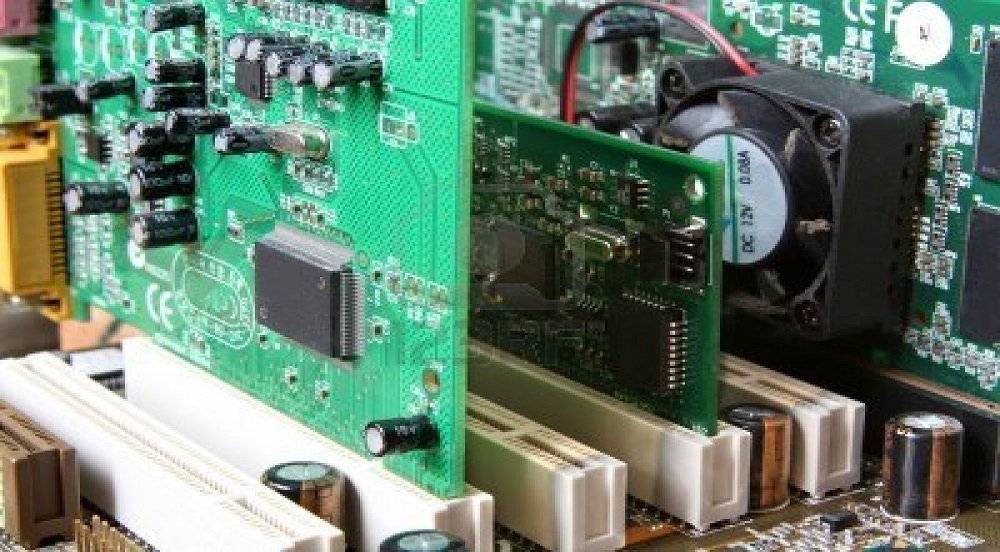
Sound card | Today, the standard sound cards that are included with a computer are sufficient for almost all computer users. However, if you plan on doing sound editing or mixing make sure to look at the sound cards capabilities. |
Video card | For computer gaming the video card has become one of the most important factors behind memory and processor. If you plan on gaming with your computer make sure your video card GPU and video memory meets the requirements. |